Login And Logout
When the application is accessed, you will be prompted to log in. Please enter your username and password to login to the application.
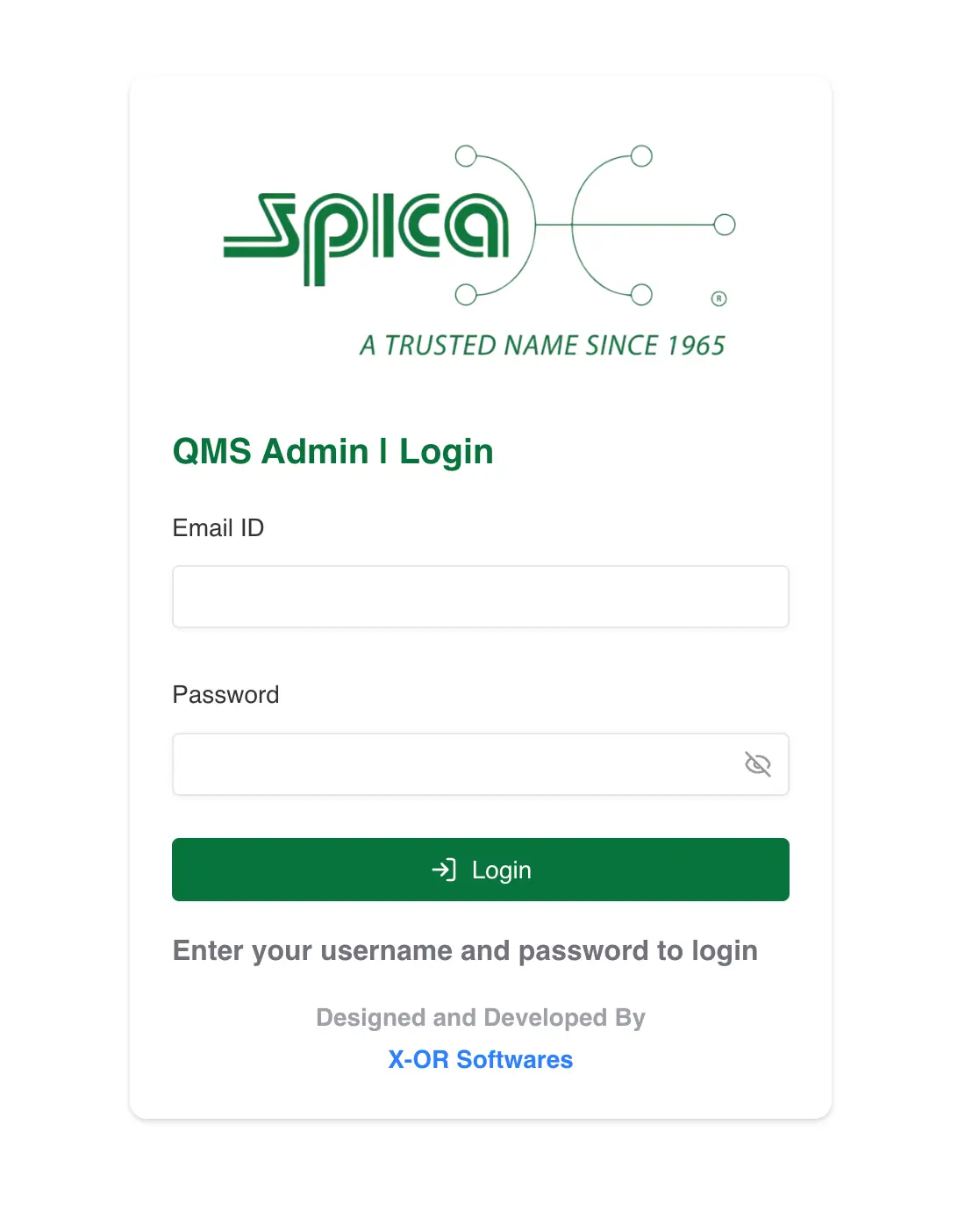
Once you have logged in, you will be redirected to the relevant page.
Logout and Account Management
Once you have logged in, you will be able to logout and manage your account from the menu located at the top left of the topbar.
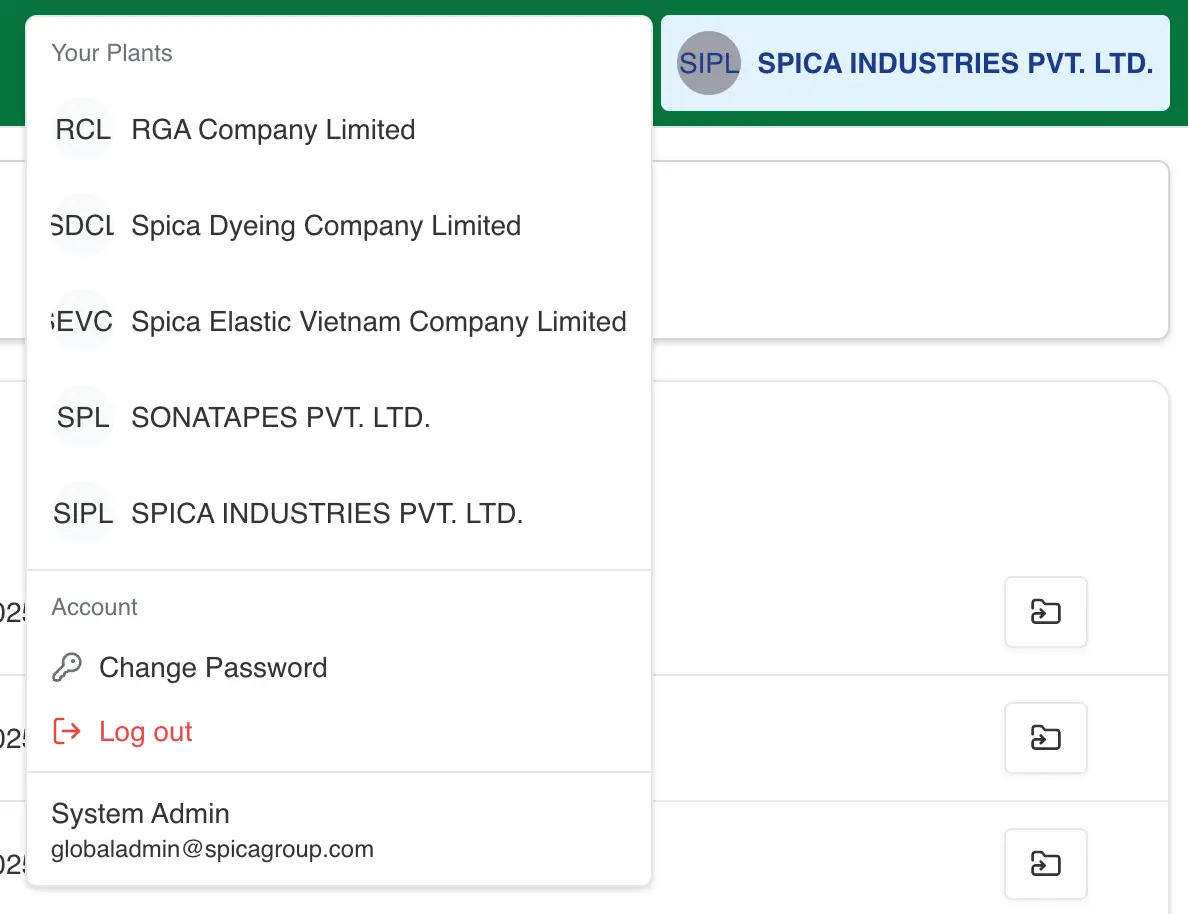
Change Password
When you click on the change password button, you will be prompted to enter your current password and a new password.
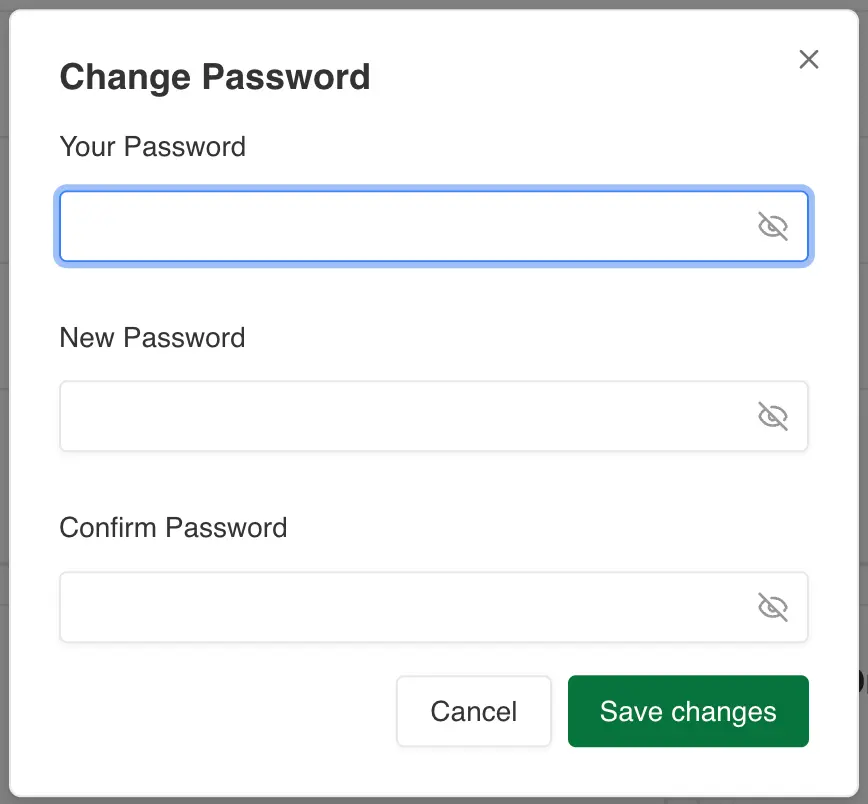
Enter your current password and new password and click on the change password button.
Please note the password must be at least eight characters and contain at least one number and special
character.