Frontend Users
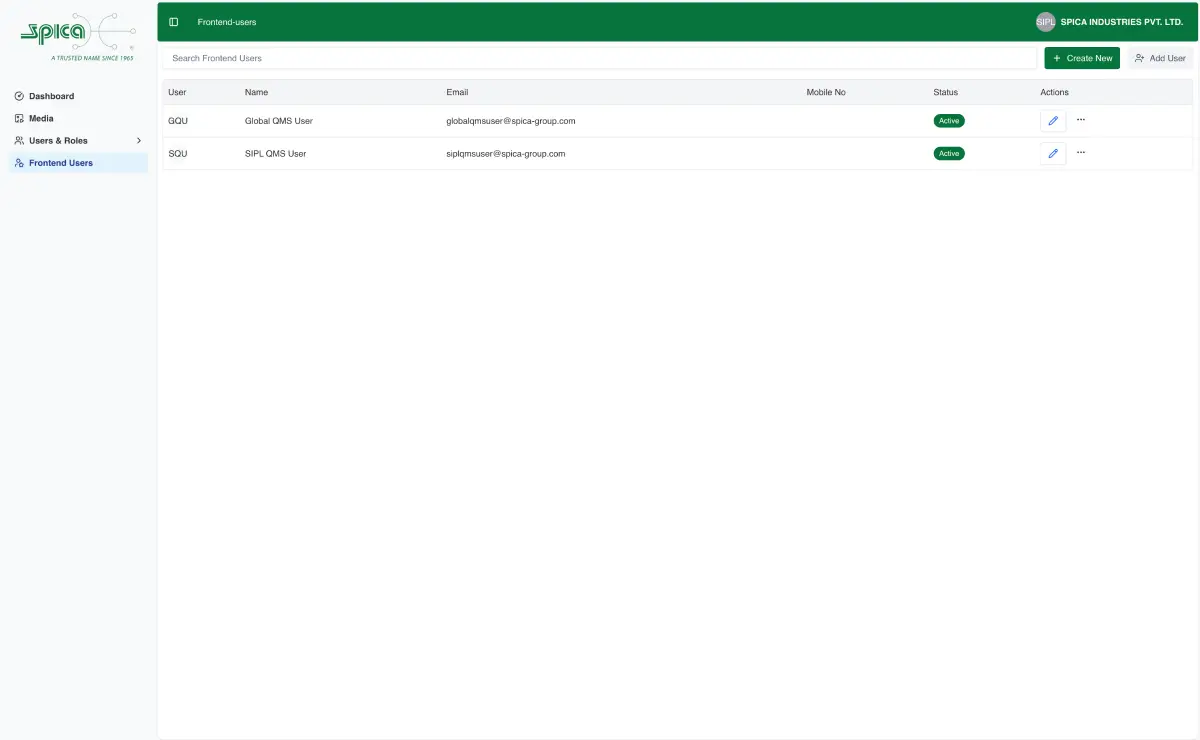
Frontend Users can be managed from the Frontend Users module page.
Users created in this module has access to the QMS application hosted seperatly.
Structure
Fronted Users includes the below fields.
- First Name (Required)
- Last Name (multiple select)
- Email (Required)
- Mobile (Required)
Editing
You can use the editor to edit Frontend Users.
Using the editor, you can add a new Frontend Users, edit the existing Frontend Users.
Adding Frontend Users
You can add Frontend Users created in another plant to the selected plant using Add Users.
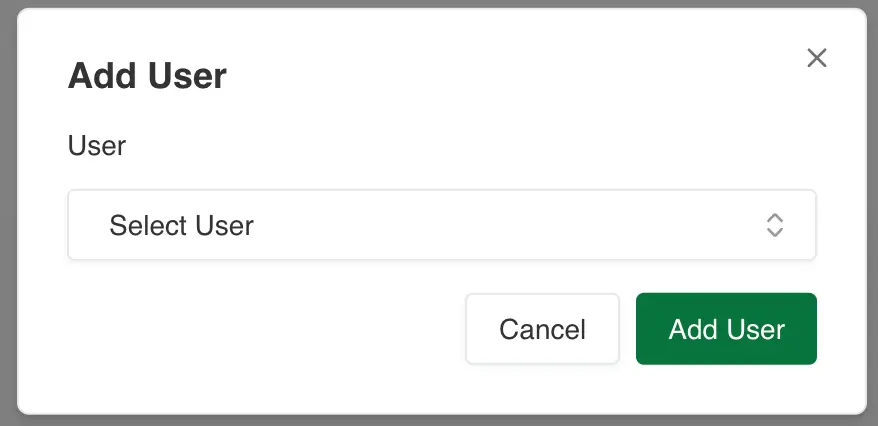
Once the above dialog is opened, select the user from the drop down and click on Add. The user will be added to the selected plant.
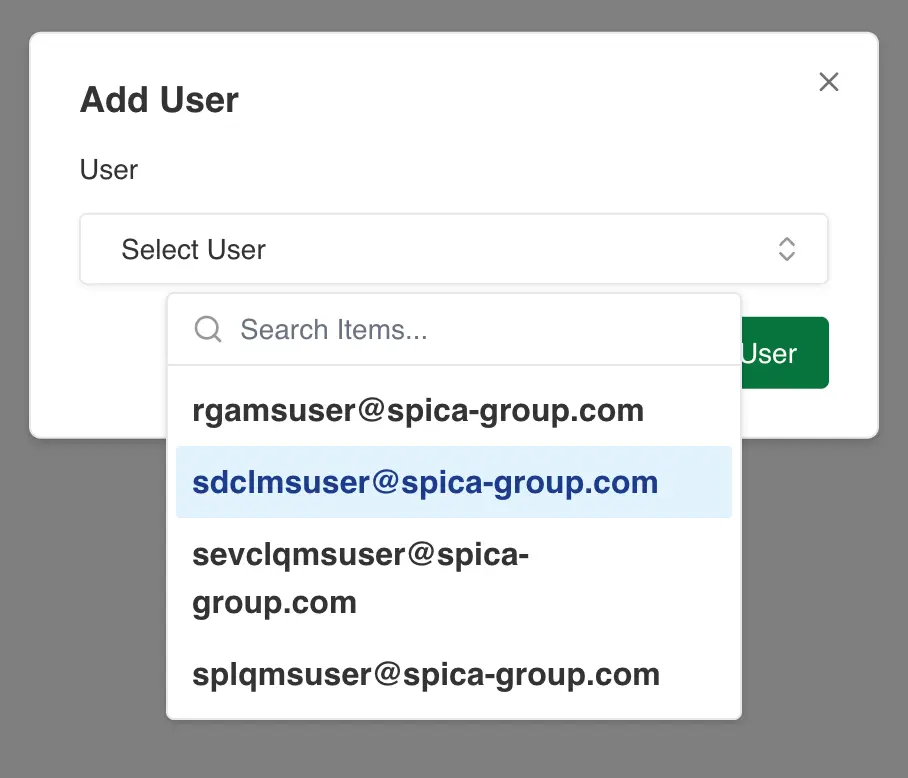
Using the add user dialog, you can add Frontend Users from the list of users created in another plant and add them to current plant.